
Salinas Criminal History Checks
Start with the office that created the record. Salinas Police holds its incident reports and a short patrol log. The Monterey County Sheriff holds county jail booking records. Filed charges, hearings, pleas, and outcomes belong to Superior Court. California DOJ Record Review is the fingerprint route for a person checking their own statewide summary, not a public name-search service.
- Check the Salinas Police Daily Patrol Log for activity generated within the last seven days.
- Search prior releases or submit a focused request through Salinas NextRequest.
- Use Coplogic for eligible reports or BuyCrash for a collision report, as Salinas Police directs.
- Use the Sheriff in-custody log for current custody and Superior Court for filed cases.
- Use DOJ Live Scan Record Review only to inspect your own California criminal history.
Salinas Is the County Records Hub
Salinas is the county seat as well as Monterey County's largest city. The main criminal-record offices sit here, but their files do not merge. Salinas Police is at 312 E. Alisal Street. The Superior Court criminal counter is at 240 Church Street. The Sheriff's Office and jail are at 1414 Natividad Road. The District Attorney is at 142 W. Alisal Street, and Probation is at 20 E. Alisal Street.
A police report explains the city response. A booking record documents county custody. A court file shows whether a charge was filed and how it ended. This local concentration makes in-person follow-up practical, yet a Salinas requester still needs to choose the holder that owns the exact stage of the record.
Records at the Salinas Police Department
Salinas Police routes California Public Records Act requests through City of Salinas NextRequest. Earlier requests and responsive documents can be viewed, so searching the portal can prevent a duplicate request. A useful request gives the date range, location, report number if known, department, and a plain description of the item sought.
The department separates report tasks by type. It links accident reports to BuyCrash and eligible police report requests to Coplogic. Its lobby is open weekdays from 8:00 a.m. to 5:00 p.m.; the non-emergency line is (831) 758-7321. The anonymous tip line, (831) 775-4222, is not a copy-request channel.
Salinas Police also lists online filing categories such as hit and run, identity theft or fraud, vandalism, non-injury traffic accidents, theft, lost property, theft from a vehicle, harassing calls, and crime tips. Filing a new report is different from requesting a copy of an existing one. A reader who already has a report number should use the report-access route, while someone seeking a broader city record should use NextRequest.
Salinas NextRequest Records
The official Salinas NextRequest portal is the city's main public-record request channel. It lets readers search previous requests and make a new one. That is distinct from obtaining a specific collision or eligible police report through the services linked by the police department.
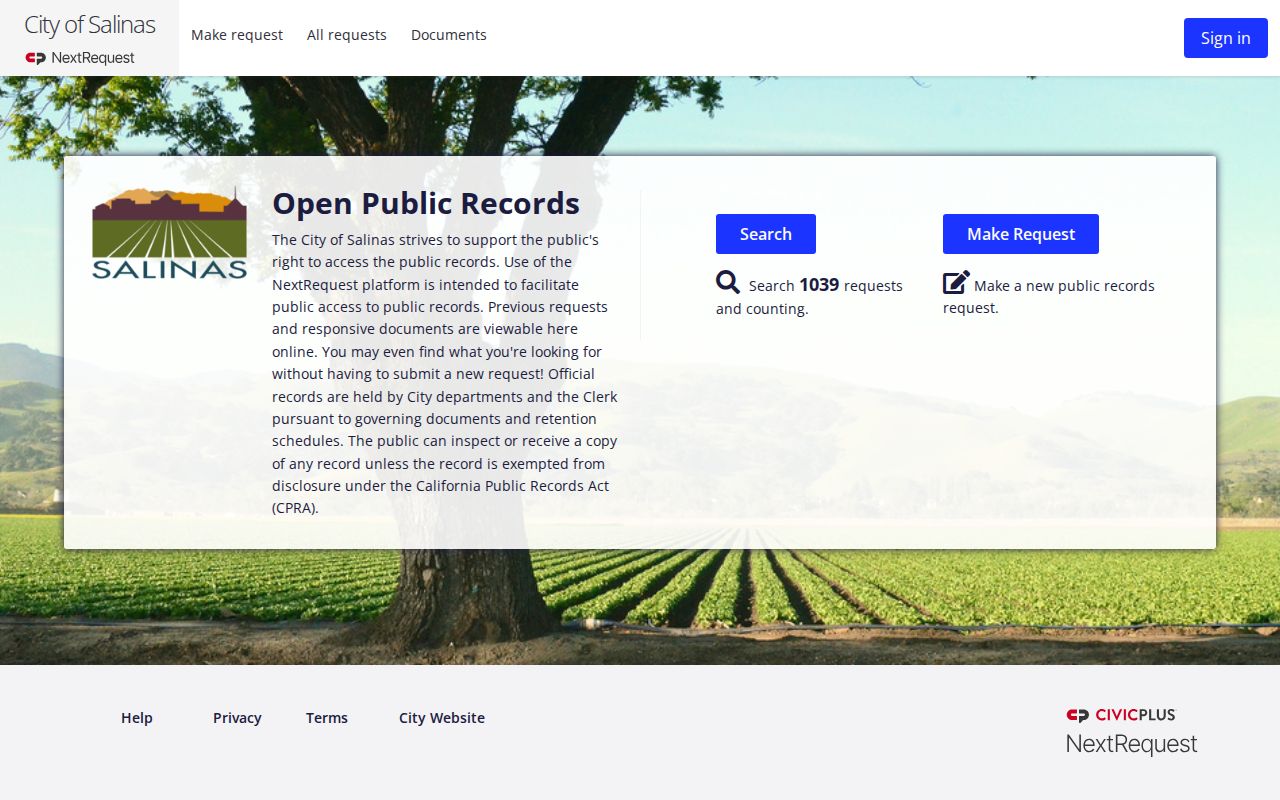
The captured portal view shows why searching published responses is a sound first step before opening a new Salinas request.
Booking and Arrest Records in Salinas
A Salinas Police event may appear first in the city patrol log, while a Monterey County Jail admission is recorded by the Sheriff's Records Division. Current custody is checked in the Sheriff's in-custody log. That public table is a current custody snapshot, not a complete Salinas arrest history or proof of guilt.
For an older event, the answer may require the police report, a Sheriff's booking request, or a Superior Court case. The county arrest search gives the full booking-channel detail. If prosecutors filed charges, use the court record to learn the disposition rather than infer an outcome from an arrest entry.
The Sheriff's Records Division maintains Monterey County Jail booking records and receives requests at 1414 Natividad Road. Release can be limited and protected information may be removed. A local clearance result is a separate paid service, not a substitute for the Salinas incident report or the public court docket.
Salinas Seven-Day Patrol Records
The Salinas Police Daily Patrol Log displays crime reports generated for the last seven days. It is useful for a recent event but does not replace the full incident report, jail booking, or court case. The department says the log is provided under Government Code section 7923.600 and warns that unlawful use may lead to criminal prosecution.
The official Salinas Police CPRA page sets out the related request routes.
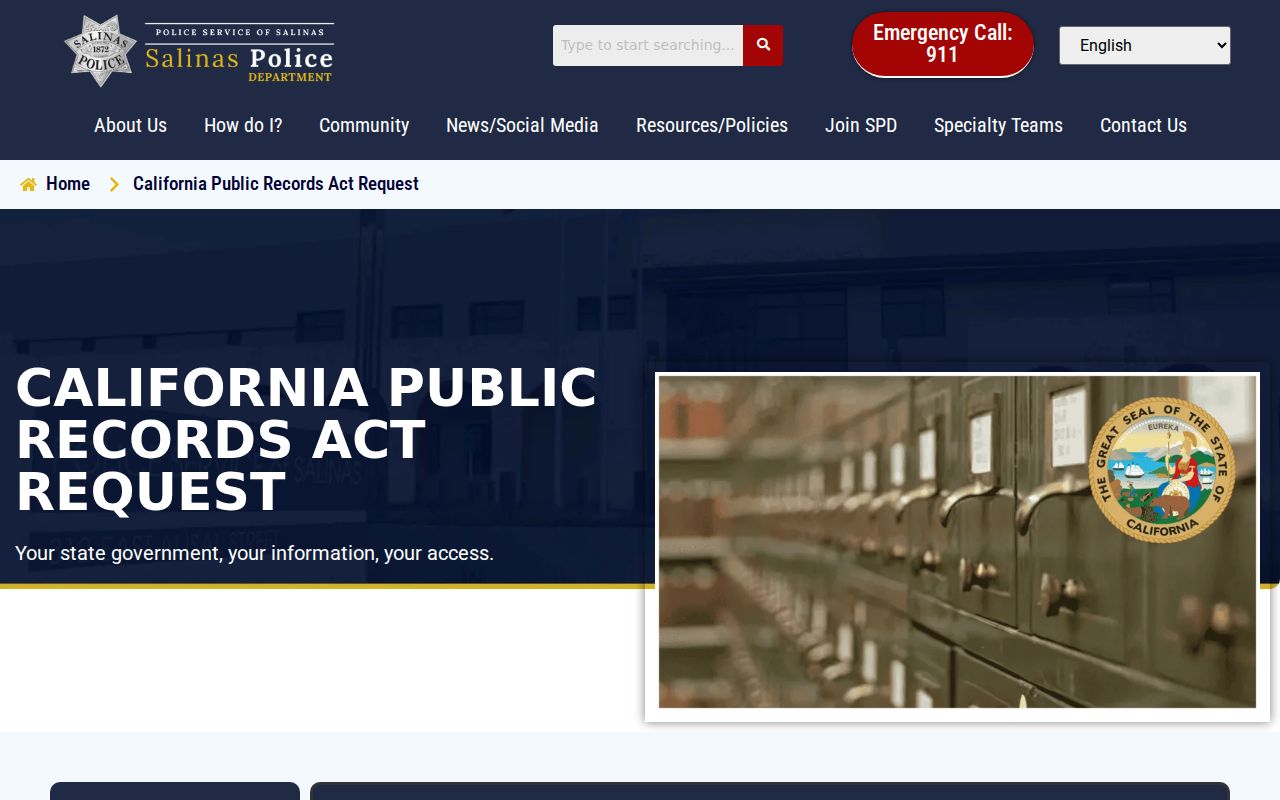
The page makes clear that the seven-day log, report tools, and public-record portal answer different Salinas questions.
The Salinas Municipal Court File
The researched sources identify no separate Salinas criminal court for adult felonies or misdemeanors. Filed adult cases route to the Superior Court of California, County of Monterey. City ordinance, traffic, or citation matters may use other administrative channels, but the police report itself is not the filed court docket.
The county portal covers current and completed cases dating back to 2008 without registration according to the court's search page. Older electronic criminal information reaches back to November 1992, while earlier violation dates need a counter or form request. Copies and certified copies come from the Clerk, not the public portal.
| Court Name | Superior Court of California, County of Monterey |
|---|---|
| Case Types Heard | Filed adult felony and misdemeanor cases, plus other trial-court matters. |
| Case Lookup Channel | Public Portal, Clerk's Office computers, or CR-109 by mail or in person. |
| What the Docket Shows | Case number, charges, hearings, pleas, disposition, sentence, and public orders. |
| Copies & Fees | $15 search, $0.50 per page, $40 certification, and $10 off-site retrieval on CR-109. |
Choosing a Salinas Report Tool
NextRequest is for city public records. Coplogic begins an eligible police-report request. BuyCrash is the department-linked collision route. The patrol log is a seven-day summary. Pick the tool by the document, not merely by the Salinas location.
| Need | Channel | Limit |
|---|---|---|
| City public record | NextRequest | Exemptions and redactions apply |
| Eligible police report | Coplogic | Depends on report and requester |
| Collision report | BuyCrash | Crash details help locate it |
| Recent summary | Patrol log | Seven days |
The department-linked BuyCrash search shows the collision-specific route.
Its search fields explain why dates and crash details are more useful here than a broad public-record description.
How Salinas Records Reach the County
Salinas Police creates the city report. A jail admission creates a Sheriff's booking record. The District Attorney decides whether to file, and Superior Court records the case and outcome. Fingerprints and dispositions may then reach California DOJ, with possible timing gaps.
Record flow: Salinas Police Department › Monterey County Jail and Superior Court › California Department of Justice
Use city and custody logs for a new event, the court for a filed case, and fingerprint Record Review for a complete self-review across California.
A recent Salinas event may appear in a police log before any case exists. A court disposition may also be visible locally before a statewide response reflects the update. Compare record dates and verify with the originating office rather than assume that every system refreshes at once.
Reading Salinas Police Statistics
Salinas Police publishes a statistics page and annual material, but the research did not capture a current official count fit to quote. Readers should check the live table and note the reporting year, definition, and whether a number represents reports, arrests, or offenses. Those measures are not interchangeable.
The official Salinas Police statistics page provides the current source.
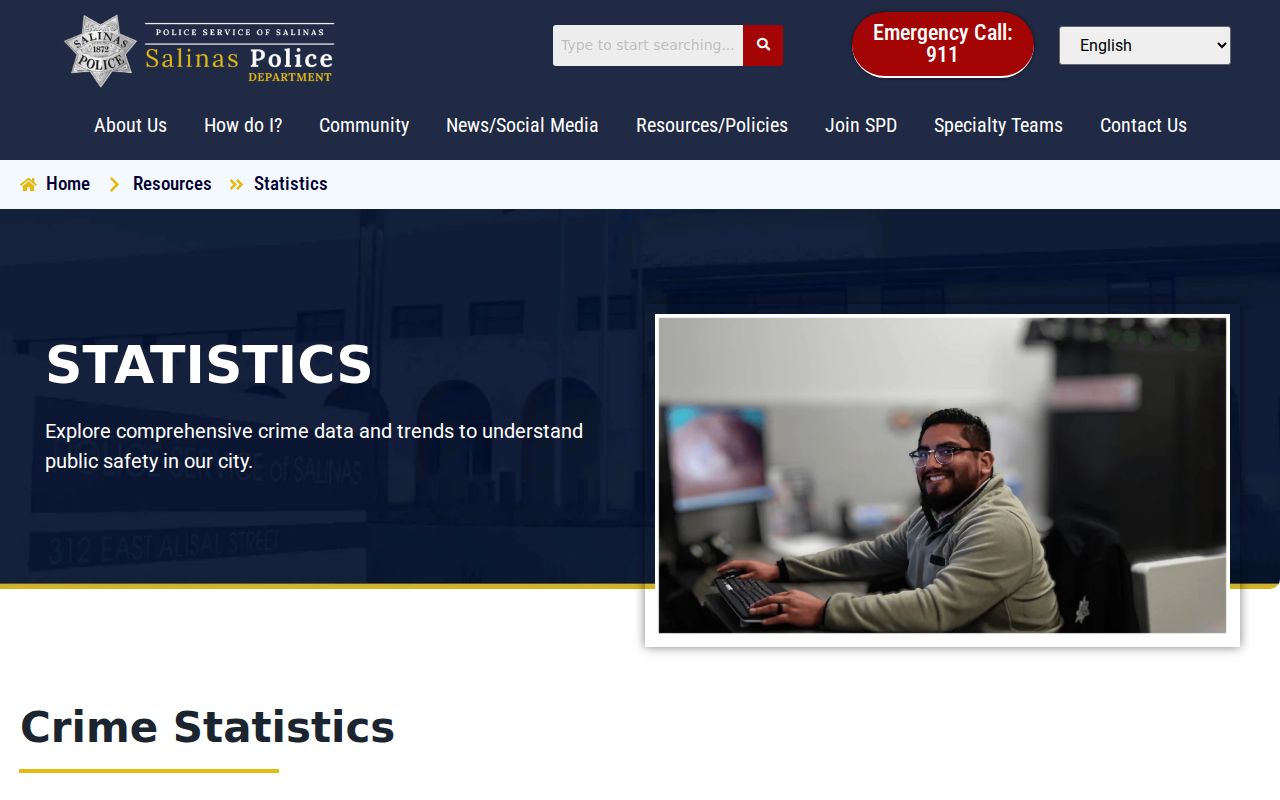
Using the live source keeps an old annual figure from being mislabeled as a current Salinas record count.
Older Salinas Criminal Case Records
Electronic criminal information runs from November 1992 forward. For an earlier violation date, contact the Clerk's Office or use CR-109. Public computers at the Salinas Courthouse provide allowed indexes, calendars, registers of actions, and case-record information. The counter at 240 Church Street is open weekdays from 8:00 a.m. to 4:00 p.m.; its phone is (831) 775-5400.
The Clerk may retrieve up to three on-site files the same day. More than three files or off-site material can take up to 72 hours. This is why an old Salinas case may not appear through the same quick path as a modern portal record.
Before mailing CR-109, supply the person's name and known case details, then state whether ordinary or certified copies are needed. A precise Salinas request reduces the chance that the Clerk must run a broad search. A certified copy serves a different purpose from a portal screen, so decide which form is needed before paying copy and certification charges.
Salinas Record Access Rules
The California Public Records Act governs Salinas agency requests, but exemptions and redactions remain. Juvenile information, victim details, private identifiers, active investigative material, sealed records, and other protected content may be withheld. Court access follows court rules. California DOJ summary histories are not open public name-search files.
Ask the Salinas holder to explain any withholding and identify releasable portions. A redacted response can still provide useful dates, event numbers, and agency context without exposing protected facts.
Key Statutes:
California Public Records Act - governs city requests while preserving lawful exemptions.
Penal Code § 11105 - limits state summary criminal-history dissemination.
California Rules of Court rule 2.503 - controls electronic court access and remote limits.